
The Business
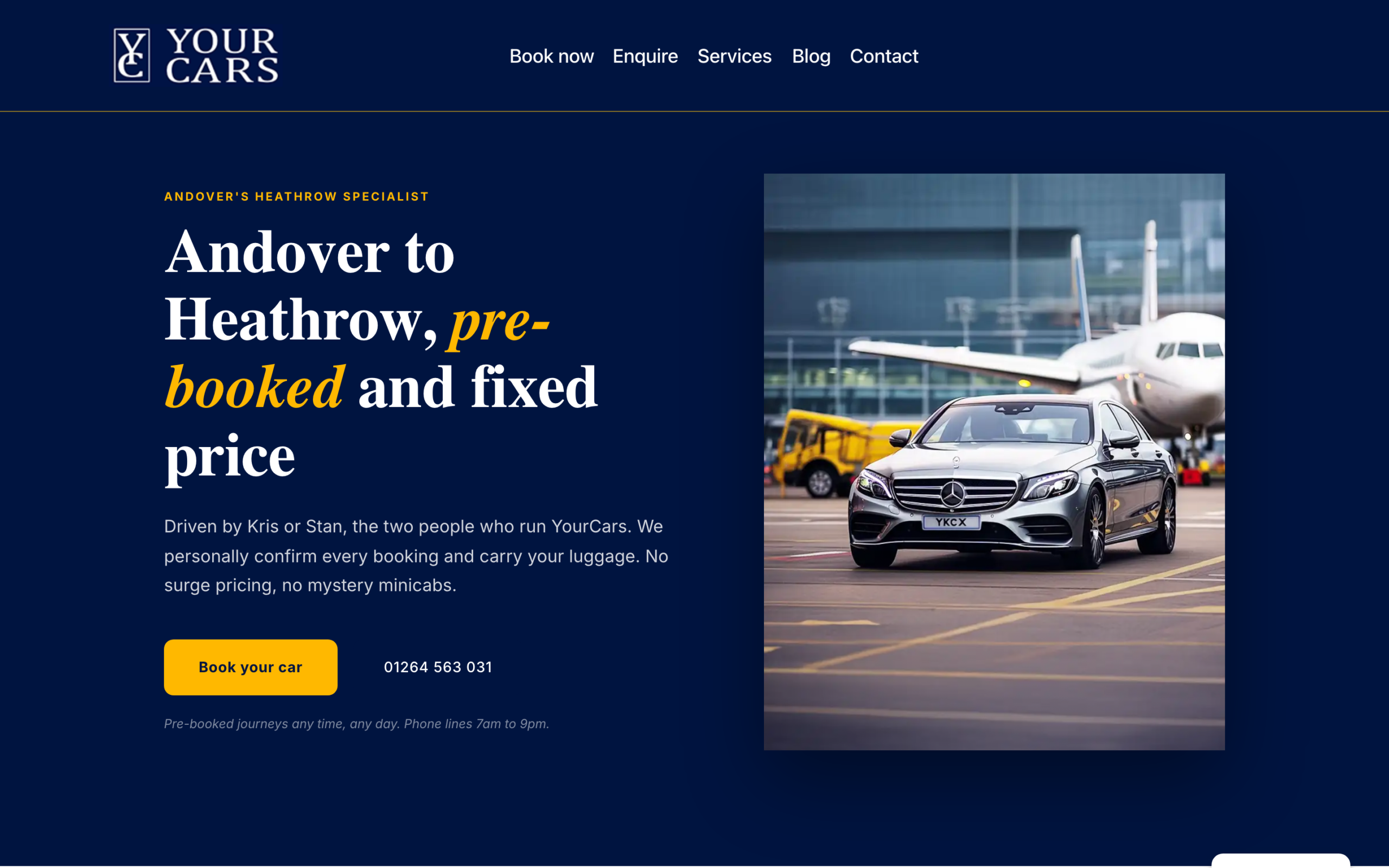
YourCars Andover is an airport transfer and private hire service based in Andover, Hampshire. The business handles airport runs to Heathrow, Gatwick, Southampton, Stansted, and Bristol, alongside long-distance transfers, VIP services, and school run contracts.
I run this business myself, which means I know every pain point from the inside. When the booking system wasn’t working properly, I was the one losing time to it.
The Problem
The original booking page had a single flat form. Name, email, phone, pickup address, drop-off address, date, and a message box. That was it.
Every enquiry came in as a wall of text. Customers would write things like “I need a ride to Heathrow next Tuesday for 3 people with luggage.” Then I’d have to:
- Figure out which service they needed
- Calculate the quote manually
- Reply with pricing
- Wait for them to confirm
- Manually add it to the calendar
For a single booking, this could take 15 minutes of back-and-forth. Multiply that across a busy week and you’re spending hours on admin that should take seconds.
The form also had no way to distinguish between an airport transfer, a long-distance job, or a VIP request. Everything landed in the same inbox looking the same.
What I Built
I replaced the entire booking page with a multi-step intelligent form using Fluent Forms inside WordPress with Bricks Builder.
Step 1: Service Type Selection
The first thing the customer sees is a clear choice: Airport Transfers, Long Distance, VIP Service, or School Run. This immediately routes them down the right path and shows only the fields that matter for their booking type.
Step 2: Smart Conditional Fields
For airport transfers, the form asks:
- Direction: To the airport or from the airport (this changes which address fields appear)
- Airport: Dropdown with all major UK airports I serve
- Passenger count: With vehicle recommendations based on group size
- Date and time: With a proper date picker
For long-distance jobs, it asks different questions. For VIP, different again. The customer only sees what’s relevant to them.
Step 3: Instant Quote
This is the part that saves the most time. For common airport routes (Andover to Heathrow, Andover to Gatwick, etc.), the form calculates the price automatically based on the selected airport and number of passengers.
The customer sees something like: “Andover → Heathrow Airport (LHR), SilverClass, up to 4 passengers. Total: £102.00.”
No more waiting for me to reply with a quote. No more “how much would it cost to…” emails.
Step 4: Calendar Integration
Every confirmed booking goes straight into Google Calendar with all the details: pickup time, addresses, passenger count, service type. No manual diary entry, no risk of double-booking.
Additional Improvements
- FAQ section below the form answering the most common questions (luggage, waiting time, cancellation, etc.)
- “Prefer to Book by Phone?” CTA for customers who want to call directly
- Mobile-first design because most people booking a taxi are doing it from their phone
Before and After
The difference speaks for itself. A flat, generic contact form vs. a structured booking system that qualifies the enquiry, shows the price, and puts it in the calendar.
[INSERT BRICKS EXTRAS BEFORE/AFTER SLIDER HERE]
The Result
- Customers get an instant quote without waiting for a reply
- Every booking is pre-qualified (service type, airport, passengers, date)
- Calendar entries are created automatically
- The FAQ section handles common questions before they become emails
- Mobile bookings work properly (most enquiries come from phones)
The booking form went from being a source of admin to being a tool that handles the admin for me. Less time on the phone, more time on the road.
Why This Matters for Your Business
If you run a service business where customers need to book, request a quote, or make an enquiry, your form is doing one of two things: saving you time or wasting it.
Most “contact us” forms are just a name, email, and message box. They generate unqualified enquiries that need follow-up. A properly built form does the qualifying for you.
This isn’t limited to taxi businesses. The same approach works for:
- Tradespeople: Get job type, location, photos, and budget in one submission
- Consultants: Let clients book discovery calls with the right context
- Schools: Absence reporting, parents’ evening booking, contact forms that route to the right department
- Healthcare: Appointment requests with symptoms, preferred times, and insurance details
The tools exist. The question is whether someone has set them up properly for your business.
Want a booking or enquiry system that actually works for your business?
Book a free strategy call — we’ll look at what you have now and work out what it should be doing.